# GuildMeme - Comprehensive Project Art
## 🎭 Welcome to the GuildMeme AI Bot!
Welcome to the GuildMeme AI Bot, your all-in-one tool for supercharging your Telegram group's creativity and engagement. In a busy group, creating custom content like memes, announcement images, or stickers can be a time-consuming distraction. This bot is designed to streamline that entire process, saving you time and boosting productivity.
With GuildMeme, you can instantly generate high-quality, relevant images and stickers directly within your chat. Whether you need a unique image for a group announcement, a funny reaction meme, or a new sticker for your community pack, you can create it in seconds with a simple command. This guide will show you how to leverage these powerful features to keep your group dynamic and visually engaging without ever having to leave Telegram.
#### **🚀 Getting Started: Checking Your Status**
First, you'll want to know your group's status. The bot offers a few different access levels:
* **Credit-Based:** Every new group starts with 5 free image credits. Each image you generate, customize, or turn into a sticker costs one credit.
* **Subscription:** You can purchase weekly or monthly subscriptions for unlimited image generation.
* **Whitelisted:** Special groups have permanent free and unlimited access.
To see your current status at any time, just type: `/start` or `/pricing`
#### **🎨 Core Commands**
Here are the main commands you'll be using to create images.
**1. Generate a New Image from Scratch**
Use the `/generate` command to create a completely original image based on a text description.
* **Usage:** `/generate [your detailed description]`
* **Example:** `/generate a photorealistic image of a cat wearing sunglasses, riding a skateboard in a city`
**2. Uploading Your Own Image**
To use the `/customize`, `/nft`, or `/sticker` commands, you first need to upload a base image for the bot to work with. You can even build off the images you generated earlier!
* **Step 1:** Type `/setimage`
* **Step 2:** The bot will ask you to reply with a photo. **Reply directly to the bot's message** and attach the image you want to use.
> **Important:** Images are specific to each group. If your /setimage in Group A will not carry over to Group B.
**3. Customize Your Image**
Once you've uploaded an image with `/setimage`, you can modify it.
* **Usage:** `/customize [description of changes]`
* **Example:** `/customize make the character look happy and give them a birthday hat`\
**4. Create an NFT**
Transform your uploaded image into a unique, randomized digital collectible with different rarity traits.
* **Usage:** `/nft`
* **How it works:** The bot will randomly "roll" for a rarity level (from Common to Legendary) and apply unique visual traits to your image based on what it gets.\
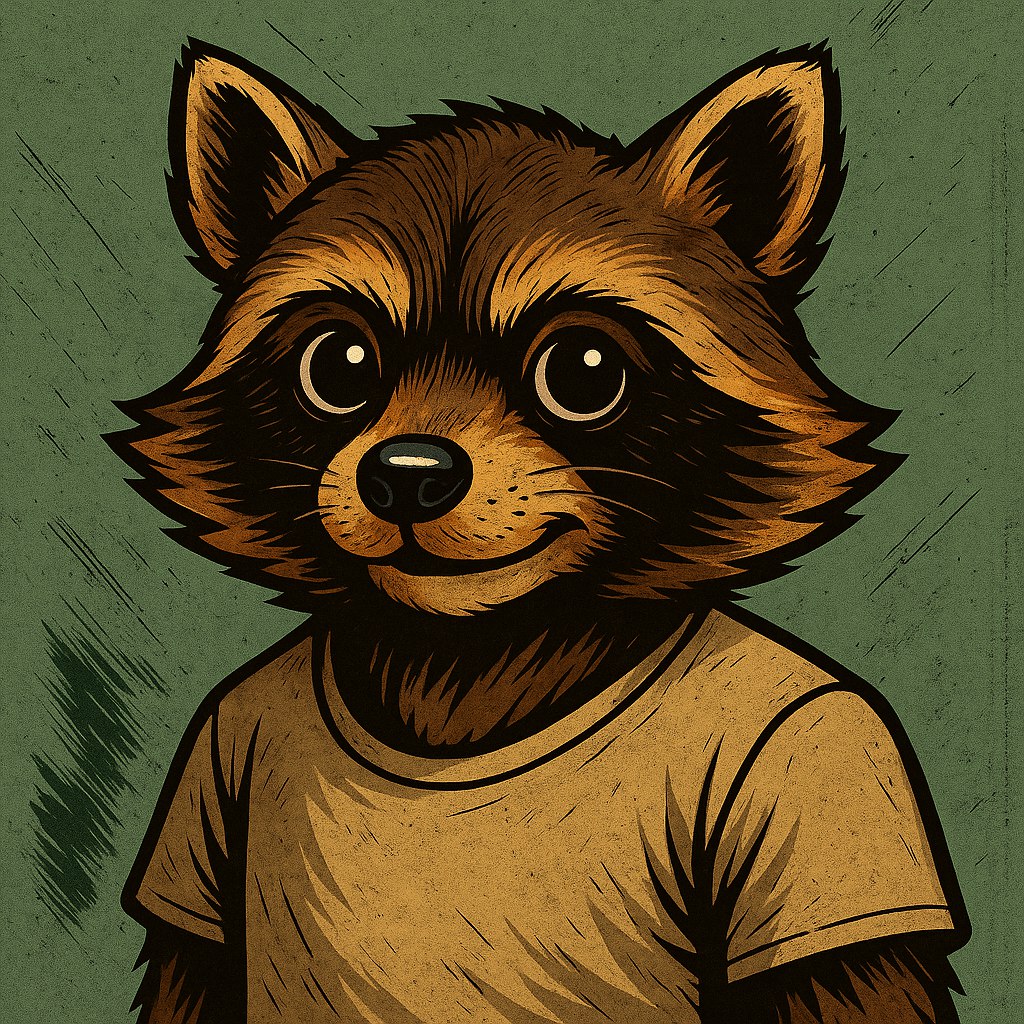
Base image uploaded to GuildMeme
Common-tier NFT generated from base image
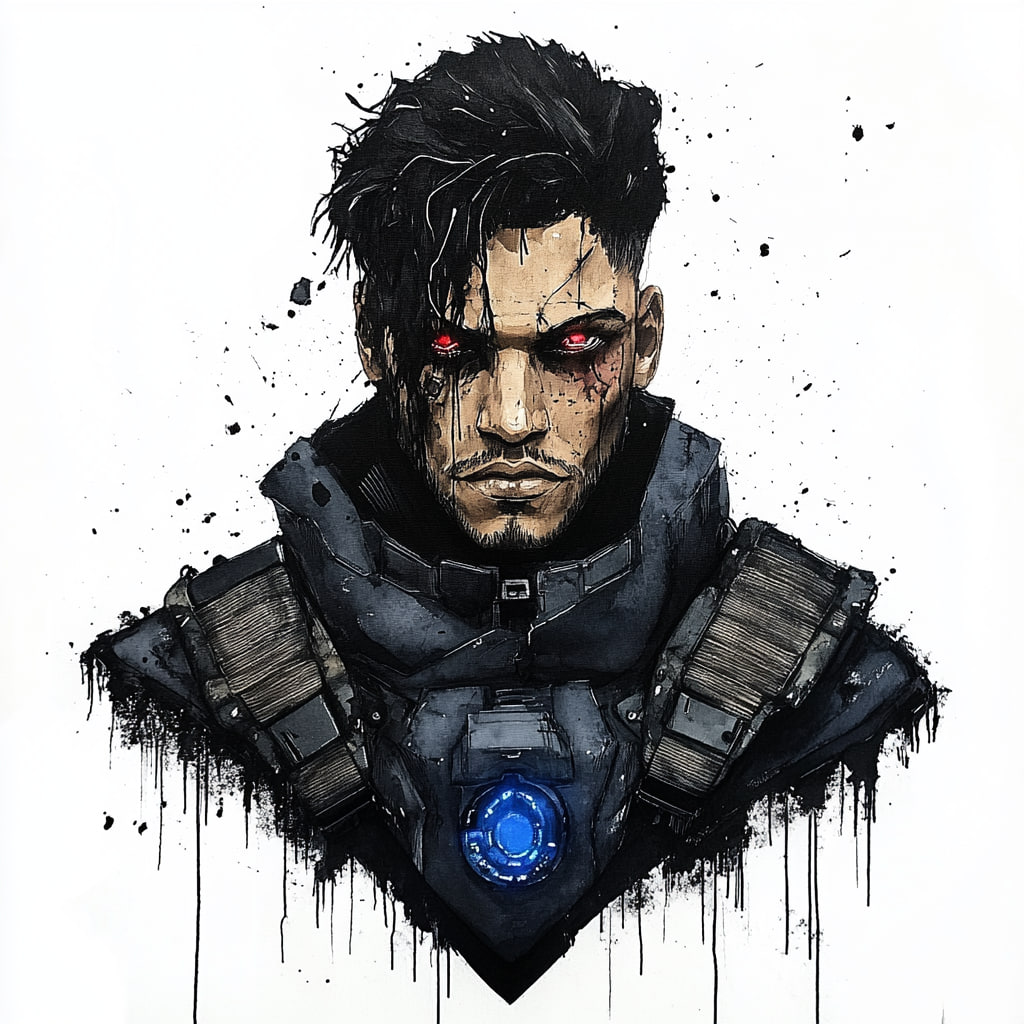
Sample image uploaded to GuildMeme
Rare-tier NFT generated from base image
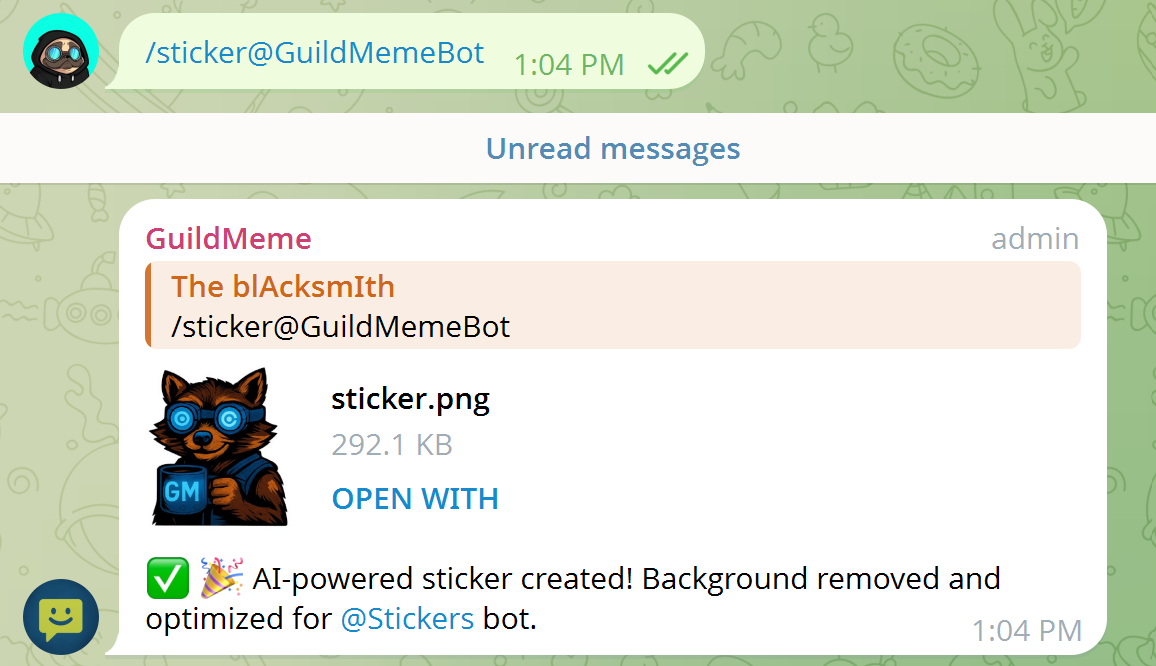
**5. Create a Sticker**
Turn your uploaded image into a 512x512 transparent PNG, perfect for adding to your Telegram sticker collection via the `@Stickers` bot.
* **Usage:** `/sticker`
* **Note:** This command also costs one credit.
#### **💰 Payments & Subscriptions**
When your group runs out of credits, you can easily purchase more or subscribe for unlimited access.
**How to Pay:**
1. Use the `/pricing` command in your group.
2. Click the "Buy More Credits or Subscribe" button. This will open a private chat with the bot.
3. In the private chat, choose the package you want (100 credits, 1-week subscription, or 1-month subscription).
4. The bot will provide you with the SUI payment address and the minimum amount to send.
5. After sending the payment from your own crypto wallet, **reply to the bot's message with your wallet address** (the one you sent the SUI from).
6. The bot will verify your transaction (powered by Nexa.xyz) and automatically apply the credits or subscription to your group.
> **Security Note:** This bot uses our proprietary payment system that is both anonymous and 100% safe. The bot only needs to see a public record of the transaction on the blockchain. You will never be asked to connect directly, EVER.